Skip to content
Coding + AI for Kids by Aqsa IsrarRegister Now

Online Coding & AI Classes for Kids

Two children smiling at a laptop beside a friendly robot. Coding + AI for Kids by Aqsa Israr: weekend coding and AI classes for ages 7–14.
  • Live online classes
  • Ages 7–14
  • Weekend classes
  • Taught in Urdu with English explanations when needed

See What Your Child Will Learn

Watch this short introduction to discover how our Coding + AI classes work, what children learn, and the kinds of projects they create.

What Your Child Will Learn

Over 5 weekends and 10 live lessons, children move from their first Scratch animation to building games, creative AI projects and their own website.

  • 5 Weekends
  • 10 Live Lessons
  • Coding + AI
  • Hands-On Projects
  1. Weekend 1 · Lessons 1–2Start Coding & Meet AI

    • Scratch basics
    • Loops
    • Animation
    • Introduction to AI

    What your child creates

    Create an animated character and learn the foundations of AI prompting.

    View lessons for Weekend 1

    Lesson 1Welcome to Coding

    • What coding is and why it matters
    • Getting started with Scratch
    • Loops: telling the computer to repeat an action
    • Bringing a character to life with animation
    • Drawing and animating their own character

    What your child takes awayAn animated character they designed and drew themselves.

    Lesson 2Movement, Direction and Meeting AI

    • Making characters spin and rotate
    • Controlling which way characters face and move
    • How human intelligence and artificial intelligence are different
    • What AI is in simple terms
    • What an LLM (Large Language Model) is
    • Meeting Gemini
    • Learning what a prompt is

    What your child takes awayA rotating animation and a clear, age-appropriate understanding of AI and how to talk to it.
  2. Weekend 2 · Lessons 3–4Build a Game & Tell a Story

    • Events
    • Variables
    • Game logic
    • Interactive storytelling

    What your child creates

    Build a playable Scratch game and an interactive narrated story.

    View lessons for Weekend 2

    Lesson 3Our First Game

    • Why the order of instructions matters
    • Events: actions that start something
    • Variables: storing information such as game score
    • Building a jumping game
    • How AI can support, not replace, schoolwork
    • Introduction to ChatGPT

    What your child takes awayTheir first playable game with a working score, plus healthy habits for using AI with homework.

    Lesson 4Interactive Storytelling

    • Broadcasts: letting characters send messages to each other
    • Creating an interactive story
    • Recording their own voice
    • Using Scratch speech-to-text
    • Using AI for exam preparation and classroom learning

    What your child takes awayAn interactive story narrated in their own voice, plus practical ways to study smarter with AI.

  3. Weekend 3 · Lessons 5–6Virtual Pets & Creative AI

    • If/else conditions
    • Clones
    • Better prompting
    • AI image generation

    What your child creates

    Create a responsive virtual pet, a clone-based game and original AI artwork.

    View lessons for Weekend 3

    Lesson 5Virtual Pets and AI Art

    • Creating a virtual pet in Scratch
    • If/else conditions: teaching the computer to make decisions
    • Writing better prompts for ChatGPT and Gemini
    • Creating pictures with AI image generation

    What your child takes awayA virtual pet that responds to them and their own AI-generated artwork.

    Lesson 6Clone Games and AI Design

    • Clones: automatically creating multiple copies of a character
    • Building a game using clones
    • Designing posters, greeting cards and invitations with AI

    What your child takes awayA game full of moving characters plus a poster, card or invitation they designed with AI.

  4. Weekend 4 · Lessons 7–8Voice, Camera & Vibe Coding

    • My Blocks / functions
    • Voice-controlled games
    • Video sensing
    • Vibe coding

    What your child creates

    Build voice- and movement-controlled games and create a real coded game with AI.

    View lessons for Weekend 4

    Lesson 7Voice Games and Vibe Coding

    • My Blocks / functions: creating reusable custom blocks
    • Making a mouse trail effect
    • Building a game controlled by voice
    • Introduction to vibe coding
    • Understanding that websites use HTML, CSS and JavaScript
    • Meeting Claude
    • Creating a first vibe-coded game with Claude

    What your child takes awayA voice-controlled Scratch game and their first game built with real web code using AI.

    Lesson 8Camera Magic and a Complete AI-Built Game

    • Scratch video sensing using a webcam
    • Scratch face sensing
    • Controlling games with body movement
    • Creating a complete full-featured game with Claude using vibe coding

    What your child takes awayA game they control with their own movement and a finished AI-built game they can share.

  5. Weekend 5 · Lessons 9–10Scrolling Worlds & Your Own Website

    • Lists
    • Scrolling backgrounds
    • HTML/CSS/JavaScript
    • Website creation

    What your child creates

    Finish a scrolling game and build a complete personal website.

    View lessons for Weekend 5

    Lesson 9Lists, Scrolling Worlds and Building a Website — Part 1

    • Lists: storing multiple pieces of information together
    • Scrolling backgrounds, Part 1
    • Setting up characters as moving scenery
    • Introduction to website building through vibe coding
    • HTML, CSS and JavaScript
    • Creating their own website with Claude, Part 1

    What your child takes awayThe start of a side-scrolling game world and the first version of their own website.

    Lesson 10Finishing Touches and Final Showcase

    • Scrolling backgrounds, Part 2
    • Letting the player control the moving background
    • Continuing website creation with vibe coding
    • Adding pages, styling and interactive features
    • Completing and polishing their website

    What your child takes awayA finished scrolling game and a complete personal website ready to show family and friends.

By the End of the Course

  • Core Coding Skills

    Loops, events, variables, broadcasts, if/else decisions, clones, functions and lists.

  • AI Understanding

    What AI and LLMs are, and how to use ChatGPT, Gemini and Claude responsibly.

  • Creative AI Skills

    Writing better prompts, generating images, and designing posters and cards.

  • Real-World Building

    Creating games and a website using HTML, CSS and JavaScript through vibe coding.

  • Thinking Skills

    Problem solving, logical thinking, creativity and confidence with technology.

Inside Our Live Classes

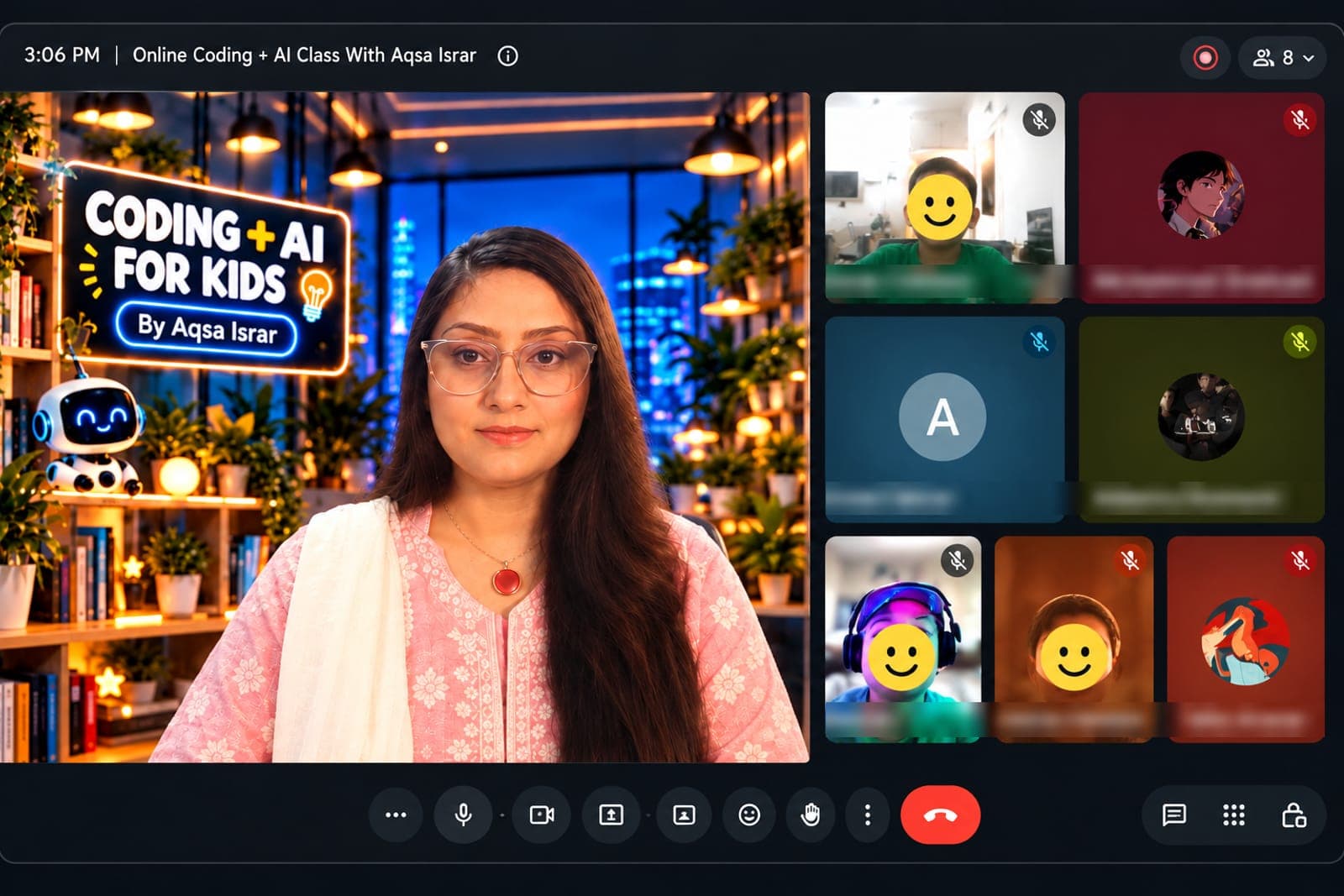
A look inside our small live online classes, where children learn, code and create together with Aqsa.

  • Aqsa Israr on a live video class with a Coding + AI for Kids backdrop, students in video tiles beside her with names and faces hidden
    Students joining a live weekend class
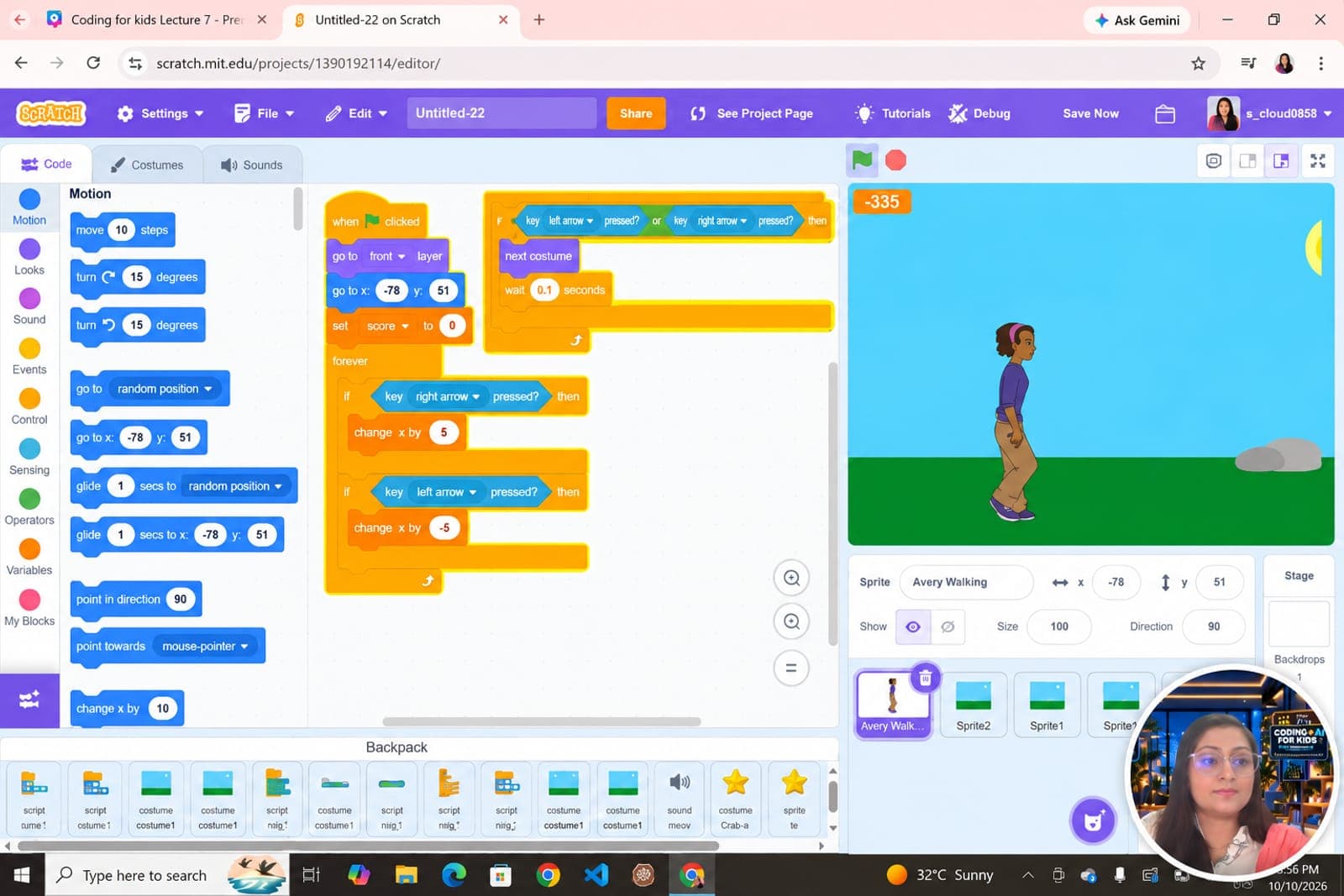
  • Scratch editor shared on screen with arrow-key movement code for a walking character, Aqsa Israr visible in a small camera bubble
    Building a Scratch game together
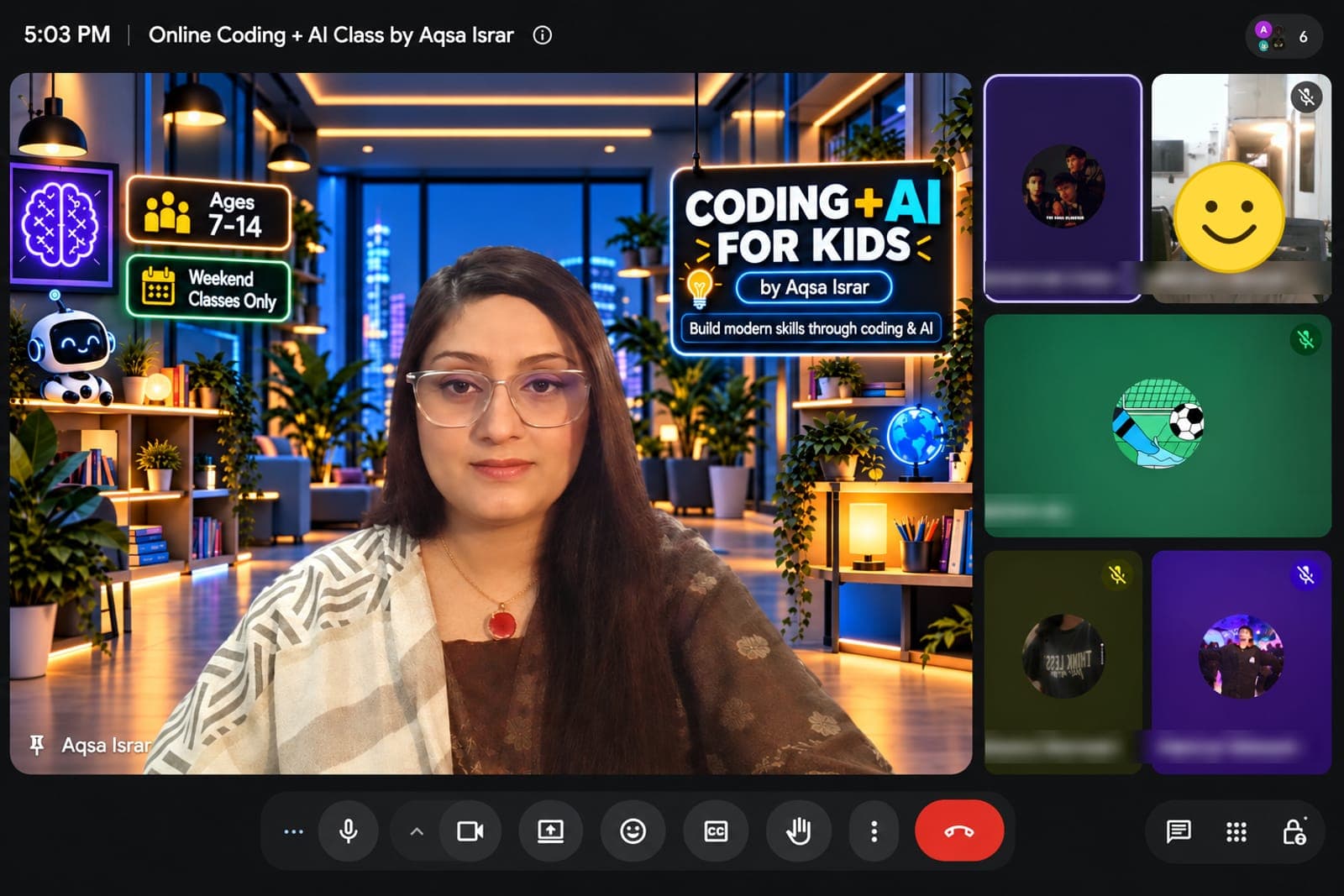
  • Aqsa Israr teaching a small-group online lesson, with an Ages 7–14 and Weekend Classes Only backdrop and students in video tiles
    Small-group live lesson
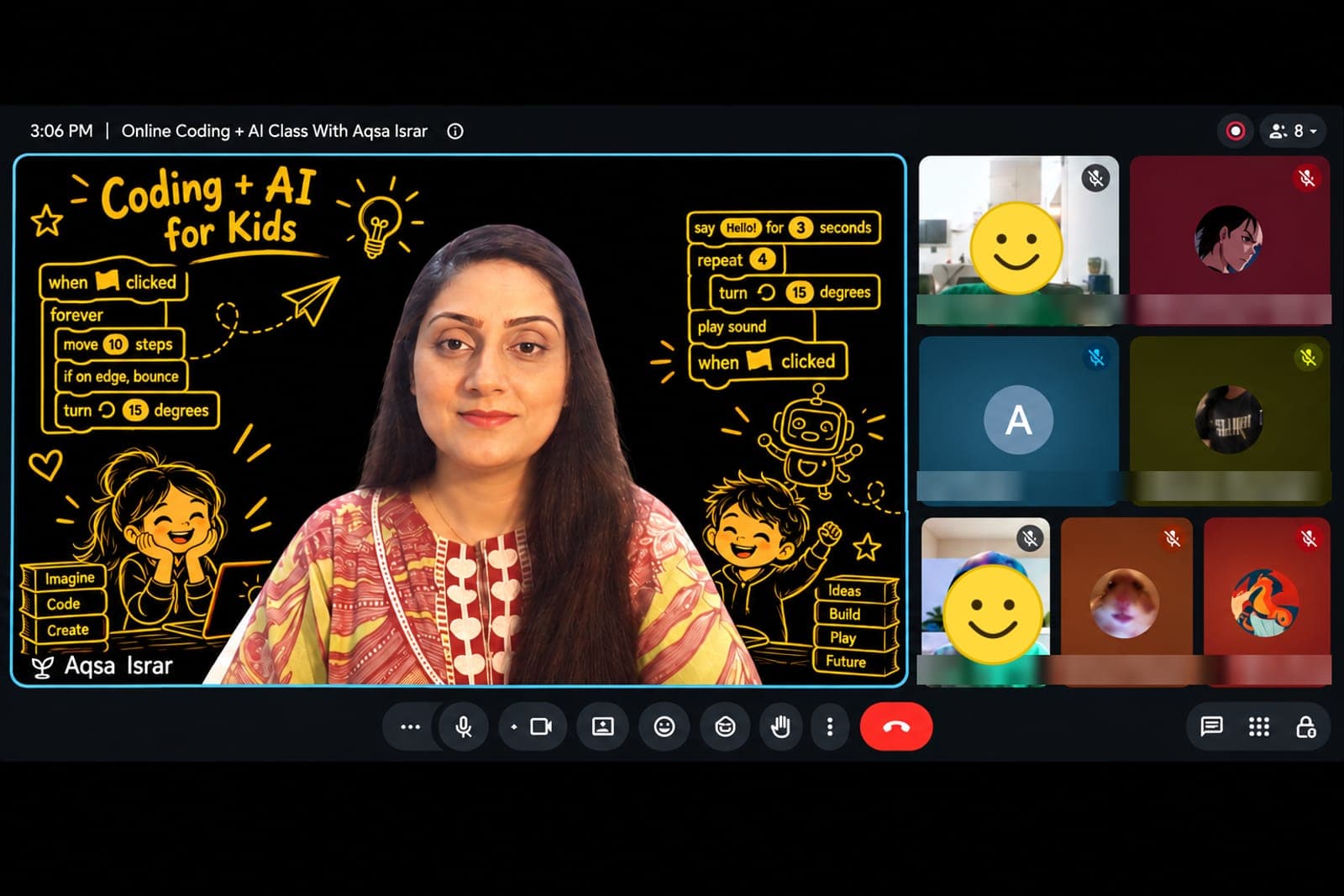
  • Aqsa Israr presenting in front of a backdrop of Scratch coding blocks, with students in video tiles beside her
    Learning coding blocks step by step
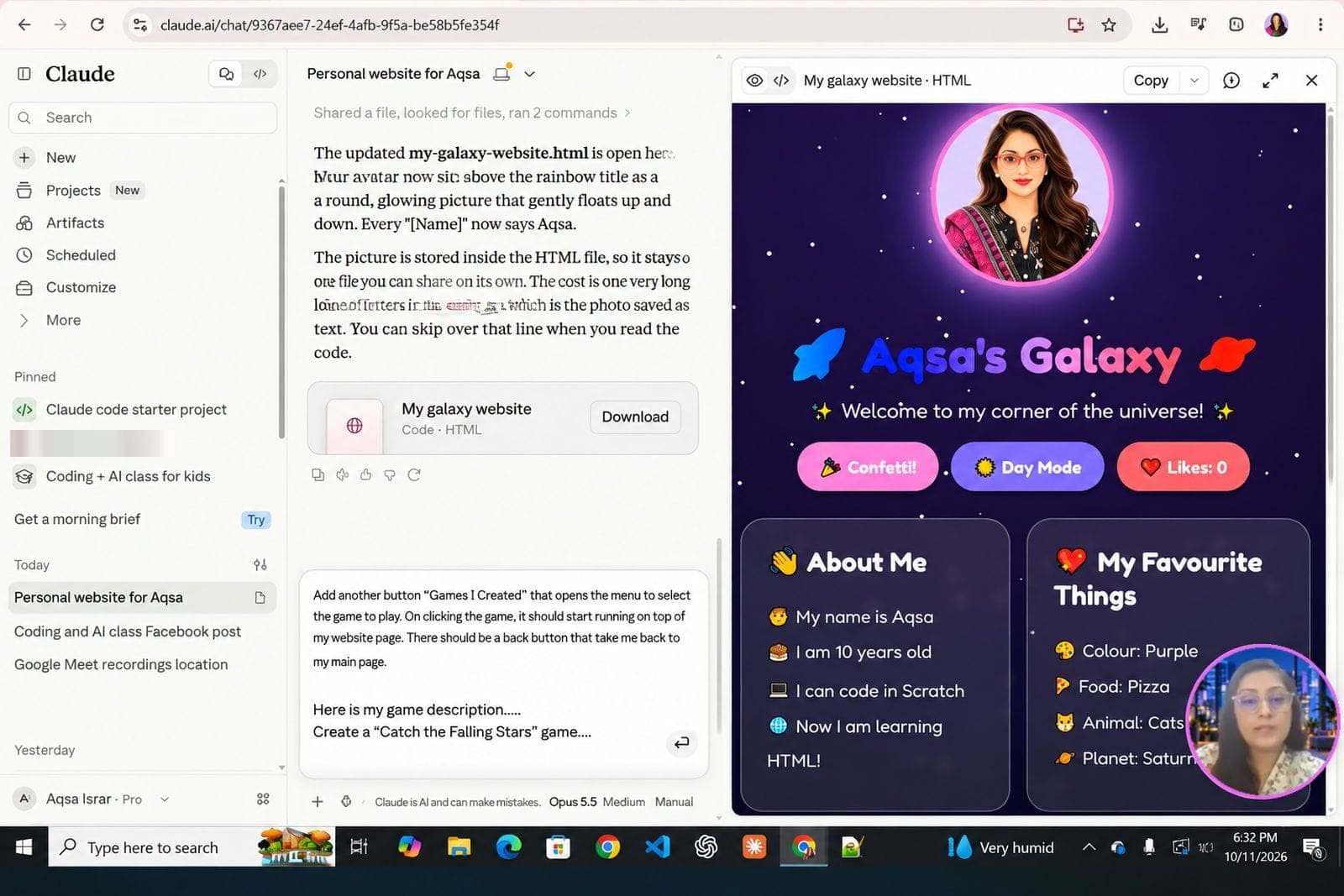
  • Claude AI on screen building a colourful personal website called “Aqsa's Galaxy”, with Aqsa Israr in a small camera bubble
    Creating a personal website with AI
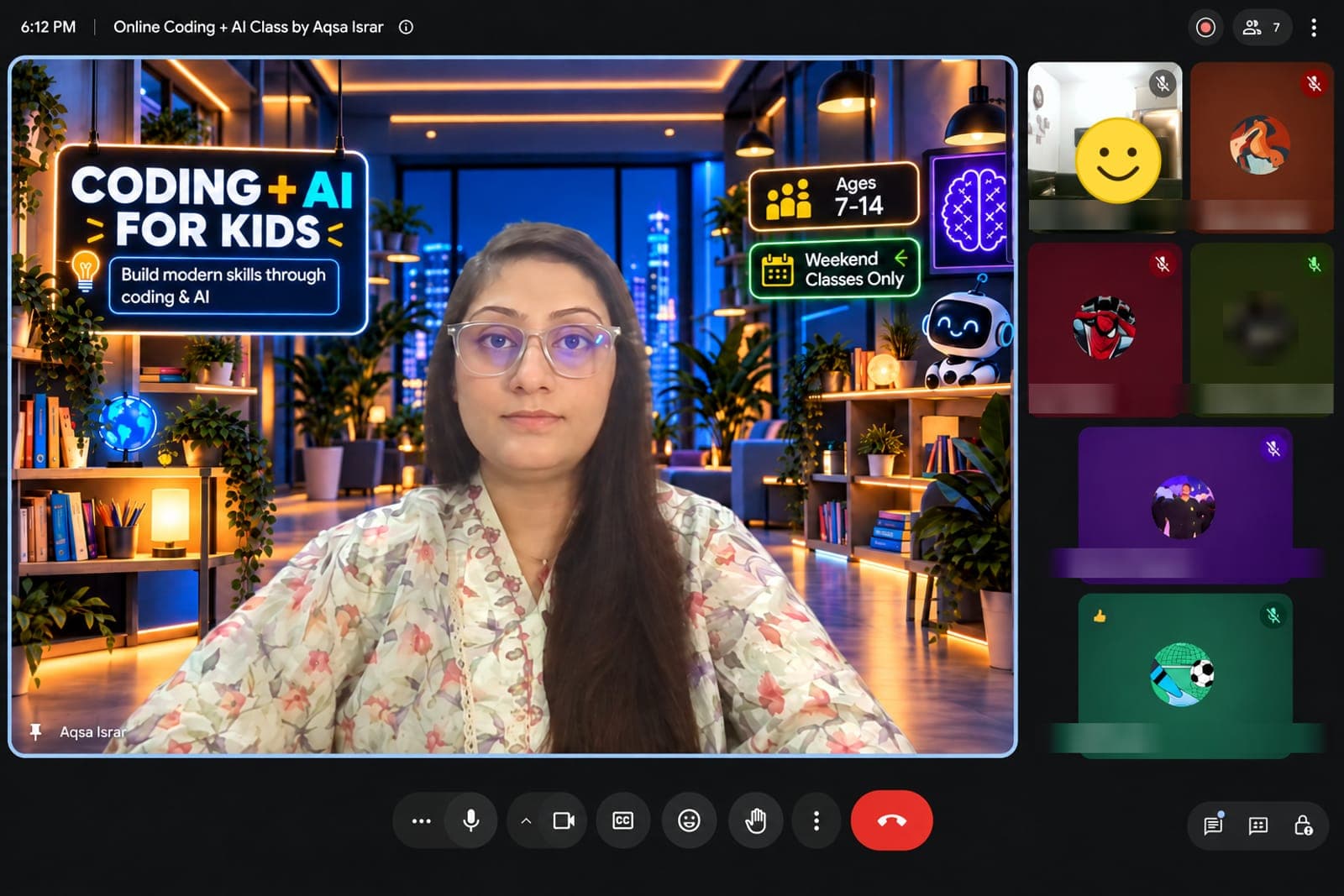
  • Aqsa Israr leading a weekend online class, with students' video tiles on the right
    Weekend class in session

See What Our Students Create

Kids don't just learn concepts — they use them to build games, animations, interactive stories and creative projects of their own.

  • Hassan, Age 10

    Face Filter with Scratch

    Scratch Project

    Created a face filter using Scratch face sensing and video sensing.

    • Face Sensing
    • Video Sensing
    • Interactivity
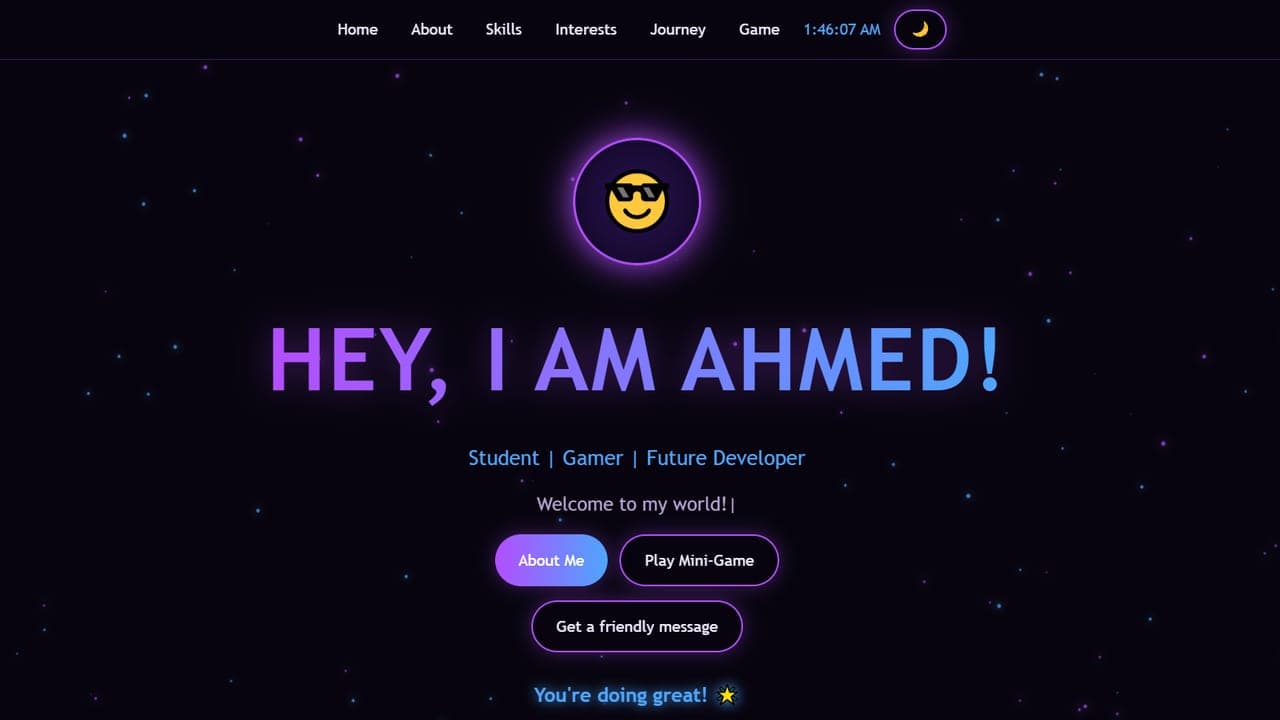
  • Screenshot of Ahmed's personal website, with the heading “Hey, I am Ahmed!”

    Ahmed, Age 14

    Personal Website with HTML, CSS and JavaScript

    Website Project

    Built his own personal website with an animated intro, skill bars, a light/dark theme switch and a mini-game.

    • HTML
    • CSS
    • JavaScript
    • Game
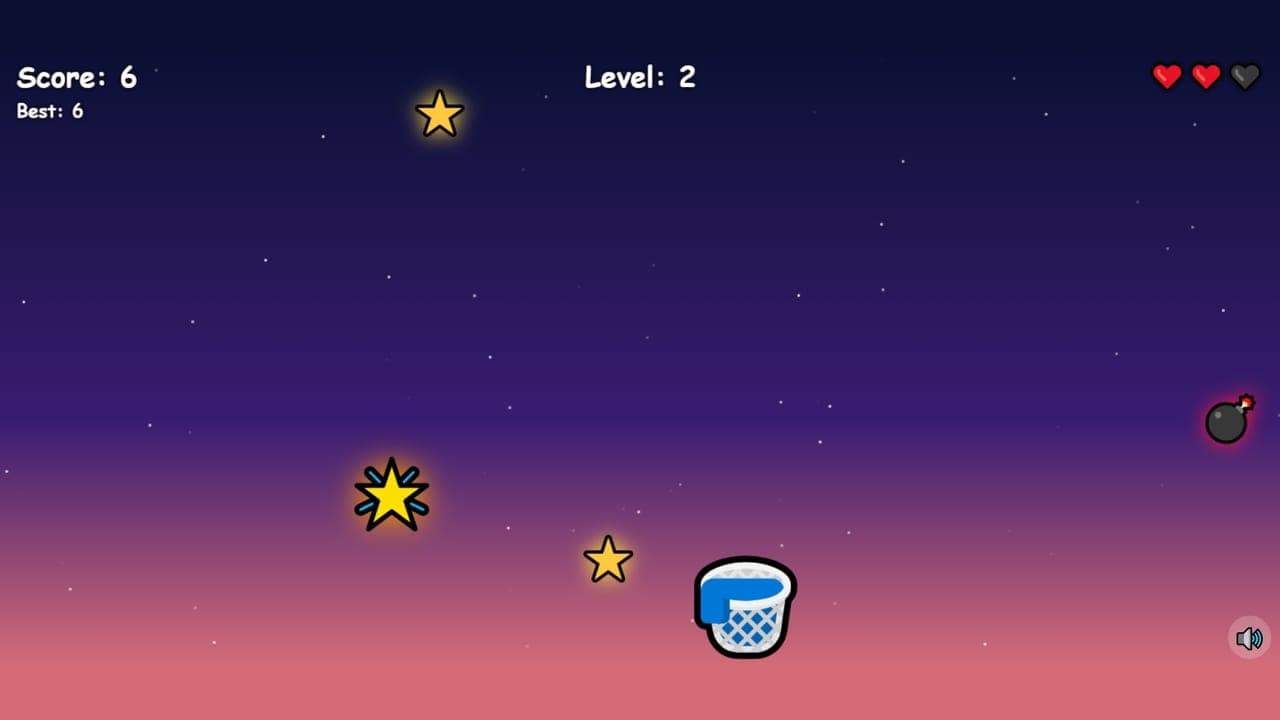
  • Screenshot of Hamza's Catch the Falling Stars game

    Hamza, Age 14

    Catch the Falling Stars Game

    Game Project (Vibe Coding)

    Built a game with Claude using vibe coding: catch falling stars, collect golden stars and avoid the bombs as the levels get harder.

    • Game Development
    • Vibe Coding
    • AI
  • Talha, Age 8

    About Me Project with Scratch + AI

    Scratch + AI Project

    Created an About Me project in Scratch and used AI to generate custom images and backgrounds.

    • Scratch
    • AI Image Generation
    • Creativity
  • Hashim, Age 7

    Interactive Story in Scratch

    Scratch Story

    Created an interactive story using multiple sprites, backdrops, and broadcasts.

    • Broadcasts
    • Sprites
    • Backdrops

Certificates & Awards

Every child who completes the course assignments earns a certificate.

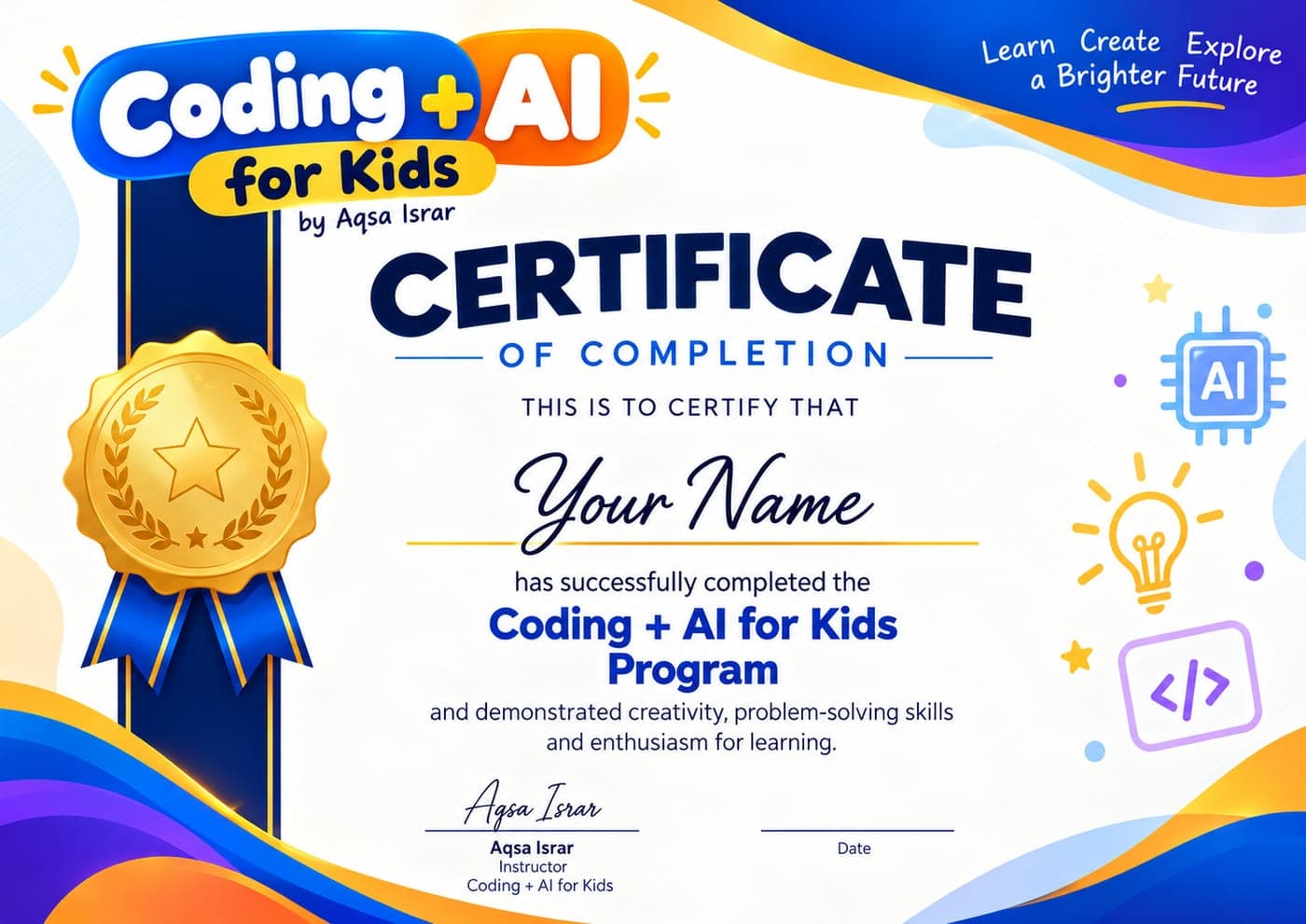
  • Sample Coding + AI for Kids Certificate of Completion
    Sample certificate

    Certificate of Completion

    Awarded to every student who completes all assignments and scores at least 50% in all of them.

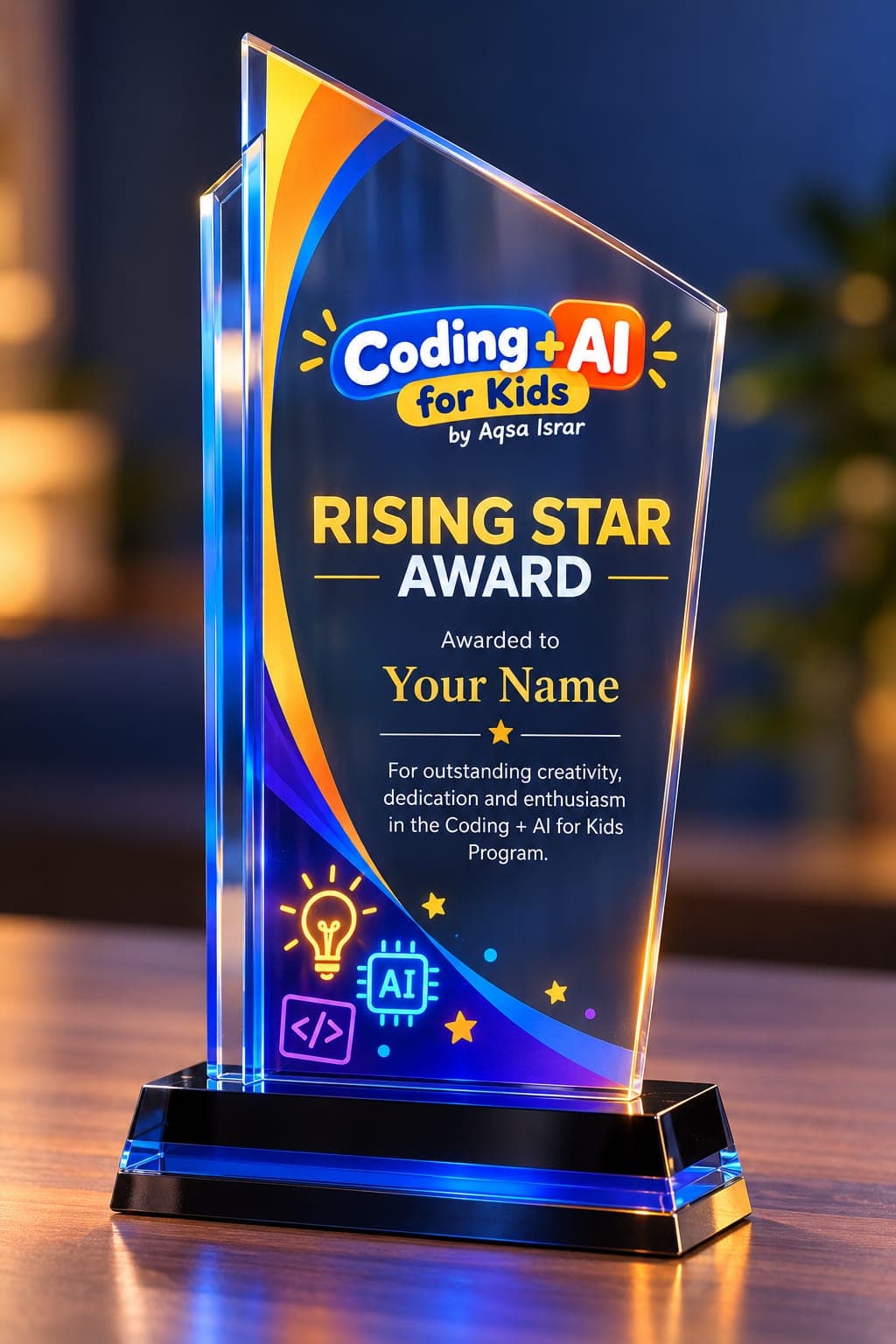
  • Sample Coding + AI for Kids Rising Star Award trophy
    Sample award

    Rising Star Award

    Awarded to 1 top student per batch.

What Parents Say

Hear from parents about their children's experience learning coding and AI with us.

  • 5 out of 5 stars

    Miss Aqsa is very kind, helpful, and patient. She explains everything clearly and makes coding easy and interesting to learn. My son really enjoys her classes.

    Parent of a 13-year-old student
  • 5 out of 5 stars

    A very fun way for kids to learn technology. Highly recommended!

    Parent of an 8-year-old student
  • 5 out of 5 stars

    I really appreciate your wonderful way of teaching children. Your patience, dedication, and warm approach make every class enjoyable and meaningful. It’s lovely to see kids learning with so much interest.

    Parent of a 10-year-old student
  • 5 out of 5 stars

    My son knew nothing about coding, and now he can make games, animations, and so much more. He also feels much more confident.

    Parent of a 9-year-old student
Aqsa Israr, instructor for Coding + AI for Kids

Meet Your Instructor

Aqsa Israr

Software Engineer | Coding + AI Educator

Hi, I'm Aqsa Israr. I'm a software engineer and educator with over 10 years of experience in technology.

I started Coding + AI for Kids to help children become creators of technology, not just consumers of it.

Through my classes, children learn how to build games, animations, interactive stories and websites while also learning how to use modern AI tools safely, responsibly and creatively.

My goal is to make coding easy to understand, enjoyable to learn and confidence-building for every child.

  • NUST Graduate
  • 10+ Years ExperienceSoftware Development
  • Worked with Leading Software Companies
  • Top Rated Freelancer
  • Teaching Kids Coding + AI

Helping kids become creators of technology.

AI is the assistant, not the boss.

Think first. Use AI second.

Frequently Asked Questions

Everything parents need to know before joining Coding + AI for Kids.

What age group are the classes for?

The course is designed primarily for children ages 7–14.

Does my child need any previous coding experience?

No. The course is beginner-friendly and starts with the basics before gradually introducing games, AI tools, and website creation.

What will my child learn?

Children learn coding concepts through Scratch, including loops, events, variables, conditions, broadcasts, clones, functions, and lists. They also learn about AI, responsible use of AI tools, prompting, AI image creation, game building, and website creation.

What language are the classes taught in?

Classes are taught in Urdu with English explanations when needed, making them suitable for Urdu-speaking children in Pakistan and abroad.

What is the course fee?

Please contact us for the current batch fee and availability.

More questions
My child is older than 14. Can they still join?

Yes. If your child is a beginner and has little or no previous experience with coding or AI, they can still join the course. Contact us if you are unsure whether the course is the right level for them.

Are the classes online?

Yes. Classes are conducted live online on weekends.

What does my child need for the classes?

A laptop or desktop computer, a stable internet connection, and access to a modern web browser. Scratch is free to use.

Which AI tools will children use?

Depending on the lesson, children are introduced to tools such as ChatGPT, Gemini, and Claude, with a strong focus on using AI safely, responsibly, and creatively.

Will children actually create projects?

Yes. Children create animations, games, interactive stories, a virtual pet, AI-generated artwork, vibe-coded projects, and their own website.

What happens if my child misses a class?

Recorded lectures are provided, so children can catch up on any class they miss.

Do students receive a certificate?

Yes. Every student who completes all assignments and scores at least 50% in all of them receives a Certificate of Completion. In addition, 1 top student per batch receives the Rising Star Award.

How many students are in each batch?

Each batch has approximately 10–12 students, keeping the classes small enough for interaction and support.

Ready to Help Your Child Start Creating?

Register your interest for the next Coding + AI batch, or contact me if you'd like to ask a question first.

  • Ages 7–14
  • Live Online
  • Weekend Classes
  • 10–12 Students per Batch
  • Urdu + English Support

Prefer to ask a question first?

Chat with Aqsa directly on WhatsApp.

Opens WhatsApp with a ready-to-send message.

Register your interest

All fields are required unless marked optional.

Please include your country code, e.g. +92, +971, +44.

Does your child have any coding experience?

Your information will only be used to contact you about Coding + AI for Kids classes. Read our Privacy Policy